A Pomodoro reading timer built for books
Pick a book, set your intervals, and read without checking your phone. When the timer ends, Bookadoro asks what page you reached, saves the minutes, keeps your streak alive and pays out XP. The Pomodoro technique, pointed at a book instead of a to-do list.
Free on iPhone and Android. No account needed to start.
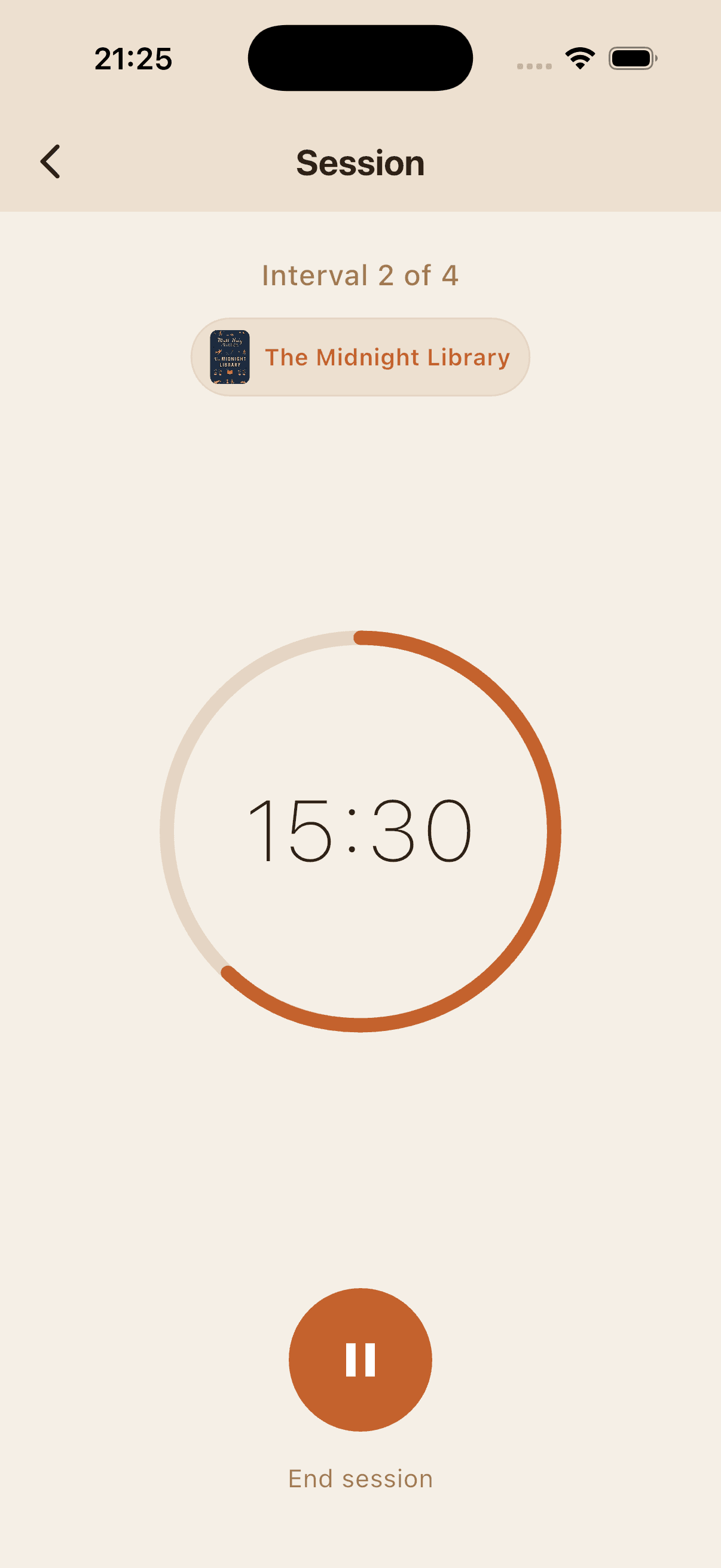
How it works
- 01
Pick a book
Scan the barcode, search by title, or choose a book already on your shelf. The timer always knows which book you're reading.
- 02
Set your intervals
One to eight reading blocks of 5 to 60 minutes, with 5 to 30 minute breaks. The default is 15 minutes, a 5 minute break, then 15 more.
- 03
Read, then log your page
The timer runs on your lock screen while you read. When it ends, enter the page you reached and the session is saved with its minutes and XP.
What makes it a reading timer, not a kitchen timer
Runs in the background
Lock your phone and keep reading. The countdown stays on the iPhone lock screen and in the Android notification shade, so you never lose your place.
An alarm when the interval ends
A notification tells you when to take a break or when the break is over, even if the app is closed.
Every session counts
A finished session saves its minutes and pages, keeps your daily streak going and earns XP. End early and the minutes you did read still count.
Four visual timer styles
Classic, Pulse, Sand and Wave: pick the countdown that keeps you calm. All four are free.
Sessions feed your library
Each session updates the page you're on, so progress on every book stays current without editing it by hand.
Read with others
Join a free Reading Sprint room on the web, or a book club in the app, and read on the same timer as other people.
Open-ended sessionsPlus
No countdown, just a stopwatch that logs the time when you stop. For the evenings when you don't want to be told when to put the book down.
Home screen widgetsPlus
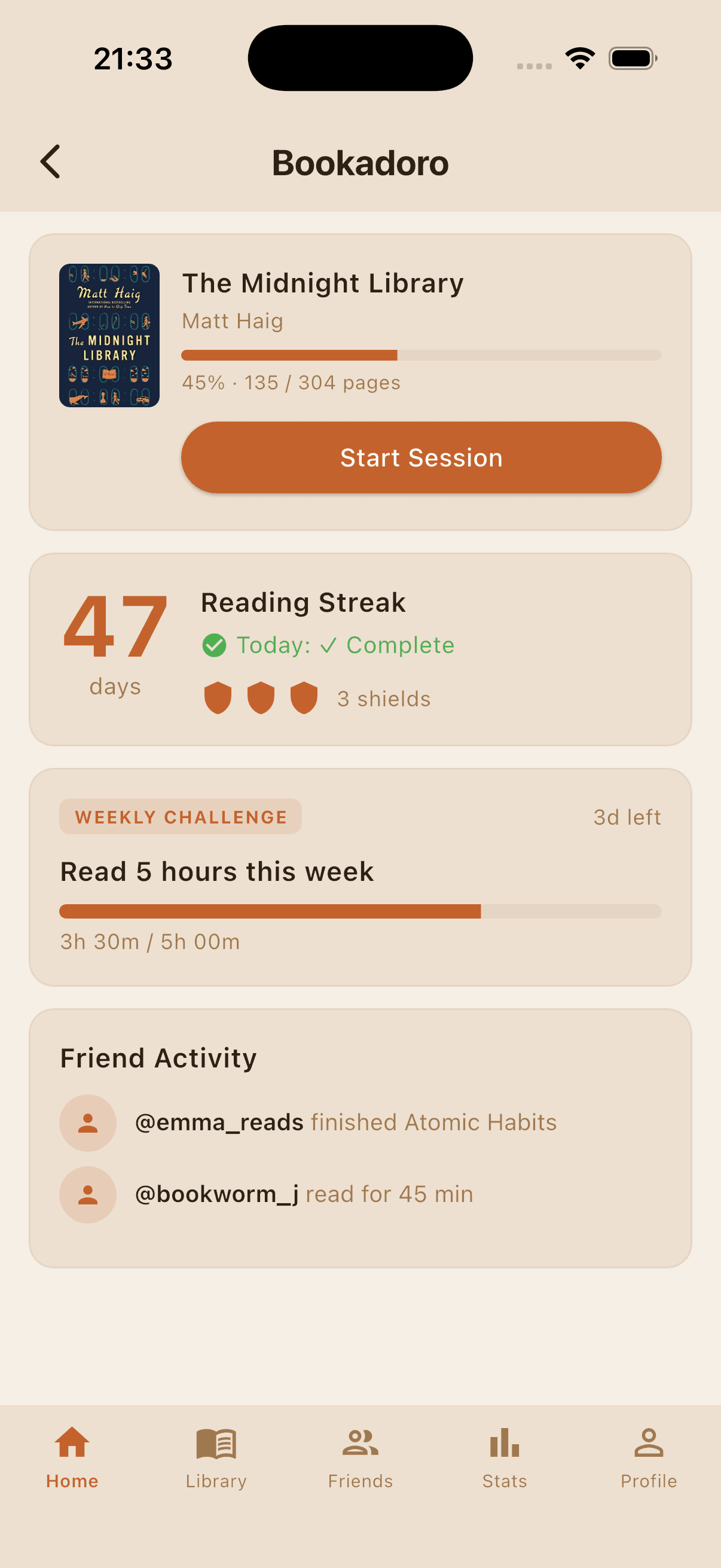
A widget with today's streak and a one-tap way back into the timer.
Everything else is free. Plus is an optional subscription for $0.99 a month.
See it in the app
Frequently asked questions
- What is a Pomodoro reading timer?
- A timer that splits reading into focused intervals with short breaks, the way the Pomodoro technique splits work. Bookadoro's version is built for books: a session belongs to a book, ends with the page you reached, and counts toward your streak and stats.
- How long should a reading session be?
- Start with the default of 15 minutes, a 5 minute break and another 15 minutes. If you keep wanting more, go to 25 or 30 minute intervals. The timer allows 5 to 60 minutes per interval and up to eight intervals in one session.
- Does the timer keep running when I lock my phone?
- Yes. The countdown is shown on the iPhone lock screen and in the Android notification, and a notification fires when an interval ends, so you can put the phone face down and read.
- Can I read without a countdown?
- Yes. Bookadoro Plus adds open-ended sessions: a stopwatch instead of a timer, which logs the time when you stop. Timed Pomodoro sessions are free.
- Does it work with ebooks and audiobooks?
- Yes. Any book you can find by title can be added, and the timer only cares about time. For ebooks, log the page or percentage you reached; for audiobooks, the minutes alone are enough.
- Is the reading timer free?
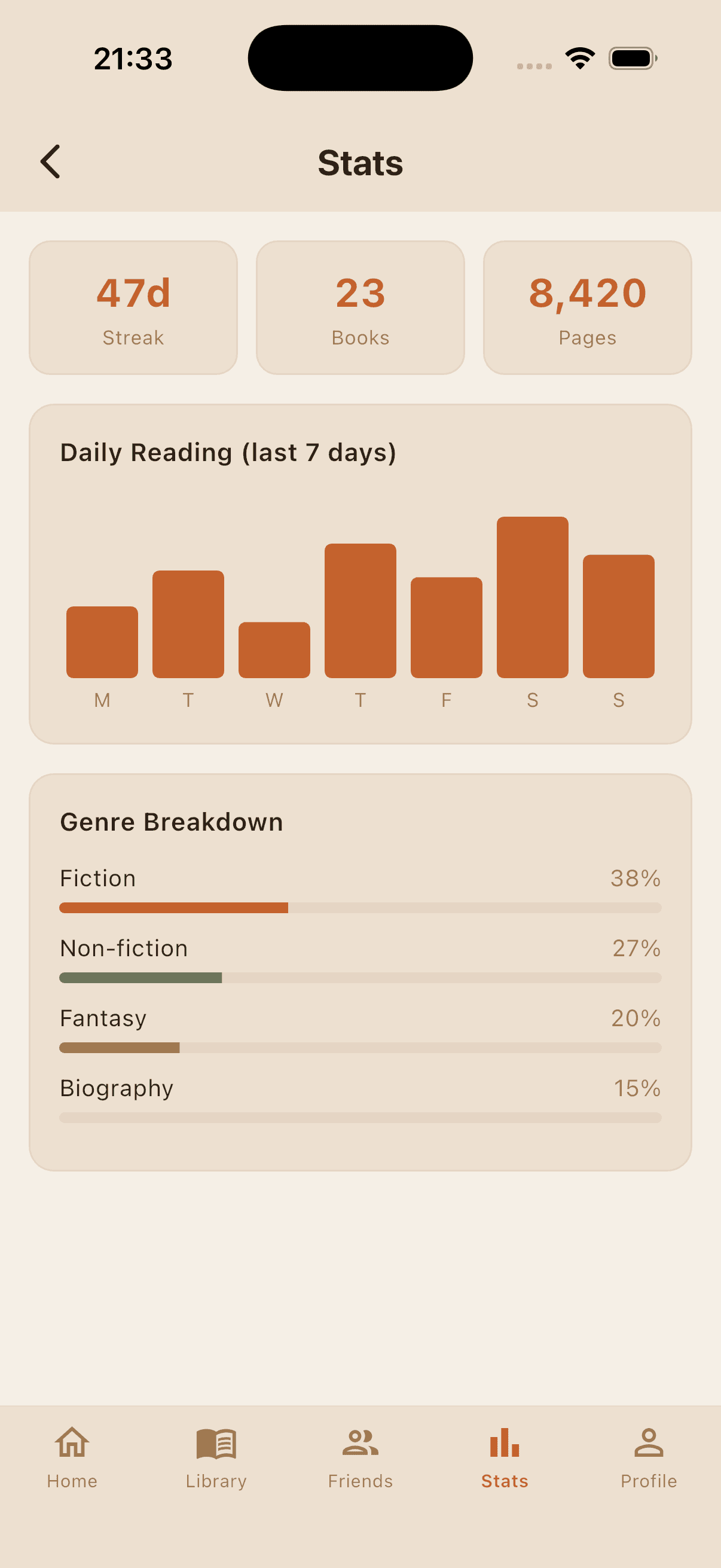
- Yes. The Pomodoro timer, the library, streaks, friends and clubs are free on iOS and Android. Bookadoro Plus ($0.99 a month) adds open-ended sessions, full stats, streak shields and widgets.
Start your first session tonight.
Fifteen minutes is enough. Free on the App Store and Google Play.
iOS 16+ · Android 9+ · Free, Plus optional
More about the app
Keep reading
Looking for the free browser tools instead? Book builders, book games and Reading Sprint rooms need no app at all. Or download Bookadoro.