7 Free Bookish Graphic Makers: Tier Lists, Reading Wrapped, Brackets & More
A wall of real book covers is the most reliable scroll-stopper in the bookish corner of the internet — tier lists on BookTok, reading wrapped cards on Bookstagram, brackets in subreddit comment wars. Bookadoro has seven free book builders for making exactly these graphics: search any book, drag real covers into place, and export a clean image or share link. No account, no watermark wall, nothing to install. Here's what each builder makes, when to reach for it, and how to get the most out of it on TikTok, Instagram, Reddit and beyond.
What are the Bookadoro builders?
Each builder is a small web tool that turns your reading into a shareable graphic. They all work the same way:
- Search any book — type a title or author and real covers load from a live book database, including new and non-English releases.
- Build your graphic — drag, rank, or place covers; rename labels and tweak colours where the format allows it.
- Download or share — export a clean PNG for social media, or save a link anyone can open. Every image includes a small QR code so viewers can build their own.
That QR code matters more than it sounds: when someone screenshots or reposts your graphic, the invitation to make their own travels with it — which is how one tier list turns into a comment section full of them.
1. Book tier list maker
The classic. Rank books into labelled rows — S / A / B / C / D, or bookish labels like "Obsessed," "Solid," "Mid," and "DNF." The book tier list maker lets you rename every tier, recolour the rows, and add or remove them.
Example ideas: "Every romantasy book I've read, ranked," "ACOTAR series tier list," "2026 reads so far," or an author's entire backlist. Focused themes consistently outperform a random mix — if you're new to the format, our full guide to making a BookTok tier list covers labels, sizing, and hot-take strategy.
Best on: TikTok (talk through your rankings over the image, or post it as a slideshow) and Reddit, where a spicy placement in a genre subreddit reliably fills a comment section.
2. Currently reading graphic maker
The currently reading graphic maker shows every book you've got open at once, each with its own progress bar and an optional note. It's the format behind "currently reading" Story updates — a quick, visual answer to "what are you reading?" that doesn't need a caption.
Example ideas: a multiple-books-at-once update, a "what I'm reading this week" Story series, or a progress check-in for a readalong you're hosting.
Best on: Instagram Stories — progress bars are made for the format, and posting an update every few days keeps your account active between full reviews.
3. Reading calendar maker
The reading calendar maker maps the books you finished onto a monthly calendar, cover by cover, on the day you finished each one. The result reads like a diary of your reading month — dense weeks, empty stretches, that one weekend you inhaled a whole trilogy.
Example ideas: a "June in books" recap, a readathon log, or a monthly wrap-up to replace the usual text-only list.
Best on: Instagram — a monthly reading recap is a Bookstagram staple, and a calendar of covers is far more skimmable than a caption listing ten titles. Post one on the first of each month and it becomes a series your followers expect.
4. Reading bingo card generator
A 5×5 card of reading prompts — "over 500 pages," "new-to-you author," "finished in a day" — that you fill with real covers as you read. The reading bingo generator starts you with 25 editable prompts, so you can theme the whole card: romance-only, horror for October, translated fiction.
Example ideas: a yearly challenge card, a book club card everyone races to fill, or a readathon board. We've collected 25 prompt ideas and challenge formats in a dedicated guide.
Best on: everywhere, but it shines in communities — Discord book servers, Facebook reading groups, and buddy-read group chats — because the same card gets filled differently by every member. Post it three times: when you start, at first bingo, and at blackout.
5. Bookshelf grid maker
The simplest and most flexible builder: a clean grid of covers. Use the bookshelf maker for a top 10 of all time, a "books that made me a reader" shelf, a summer TBR, or a "get to know me in 9 books" intro. Drag to reorder until the shelf looks right.
Best on: Reddit and Twitter/X. "Top 9 books — judge me" style grids are one of the most commented formats on r/books-adjacent subreddits, and a 3×3 grid is the perfect size for a single-image post. It's also the go-to intro post when you join any bookish community.
6. Year in books (reading wrapped)
A Spotify-Wrapped-style card for your reading: books finished, pages read, and your top reads of the year, with covers front and centre. The year in books maker is fully editable, so you decide which stats and favourites make the card.
Example ideas: the December year-in-review everyone posts, a half-year "wrapped so far" in June, or a decade-of-reading retrospective.
Best on: Instagram Stories and TikTok in the last week of December, when wrapped-style cards dominate every feed — but the mid-year version stands out precisely because far fewer people make one.
7. Book bracket maker
Tournament mode. The book bracket maker pits eight books head-to-head — quarter-finals, semi-finals, final — until one champion is crowned. Nothing generates arguments quite like forcing a choice between two beloved books.
Example ideas: "Best fantasy standalone, decided by bracket," a book club's next-read vote, or a March-Madness-style monthly showdown where followers vote each round.
Best on: Instagram Stories (run each matchup as a poll and post the updated bracket as rounds resolve) and Discord or Reddit, where each round becomes its own thread. One bracket is a week of content.
Where to share them: a platform playbook
TikTok (BookTok)
Two formats work best: a photo-mode slideshow of the finished graphic, or a video where you talk through your choices over the image. Lead with the hot take — the divisive placement is the hook. Tag the niche, not just the format: #booktok plus the genre or series (#romantasy, #acotar) so the right readers find it. If you're ranking romantasy, our romantasy guide has the trope vocabulary BookTok speaks in.
Instagram (Bookstagram)
Post the graphic as a single image or lead a carousel with it, and reuse it in Stories with a poll or "agree/disagree" sticker. Calendars and wrapped cards work as recurring series; brackets are made for Story polls.
Reddit rewards discussion, not self-promotion — post the image with a title that invites disagreement ("My 2026 fantasy tier list — convince me I'm wrong about book two") and be present in the comments. Genre subreddits like r/Fantasy and r/RomanceBooks are livelier for this than general book subs. Check each sub's rules first: some restrict image posts to weekly threads, and most ban drive-by link drops.
Pinterest, Discord & Facebook groups
Bingo cards and TBR shelves pin well on Pinterest, where reading challenge searches spike every January. In Discord servers and Facebook reading groups, shared challenges — one bingo card or bracket for the whole group — are the move; the QR code on every export means members can spin up their own without you lifting a finger.
Watch: the tier list format in the wild
Not sure how a ranking graphic carries a whole video? This is the format in action — a BookTuber tier-ranking a full year of reading, the same structure a talk-over TikTok uses in sixty seconds.
Let your reading build the graphics for you
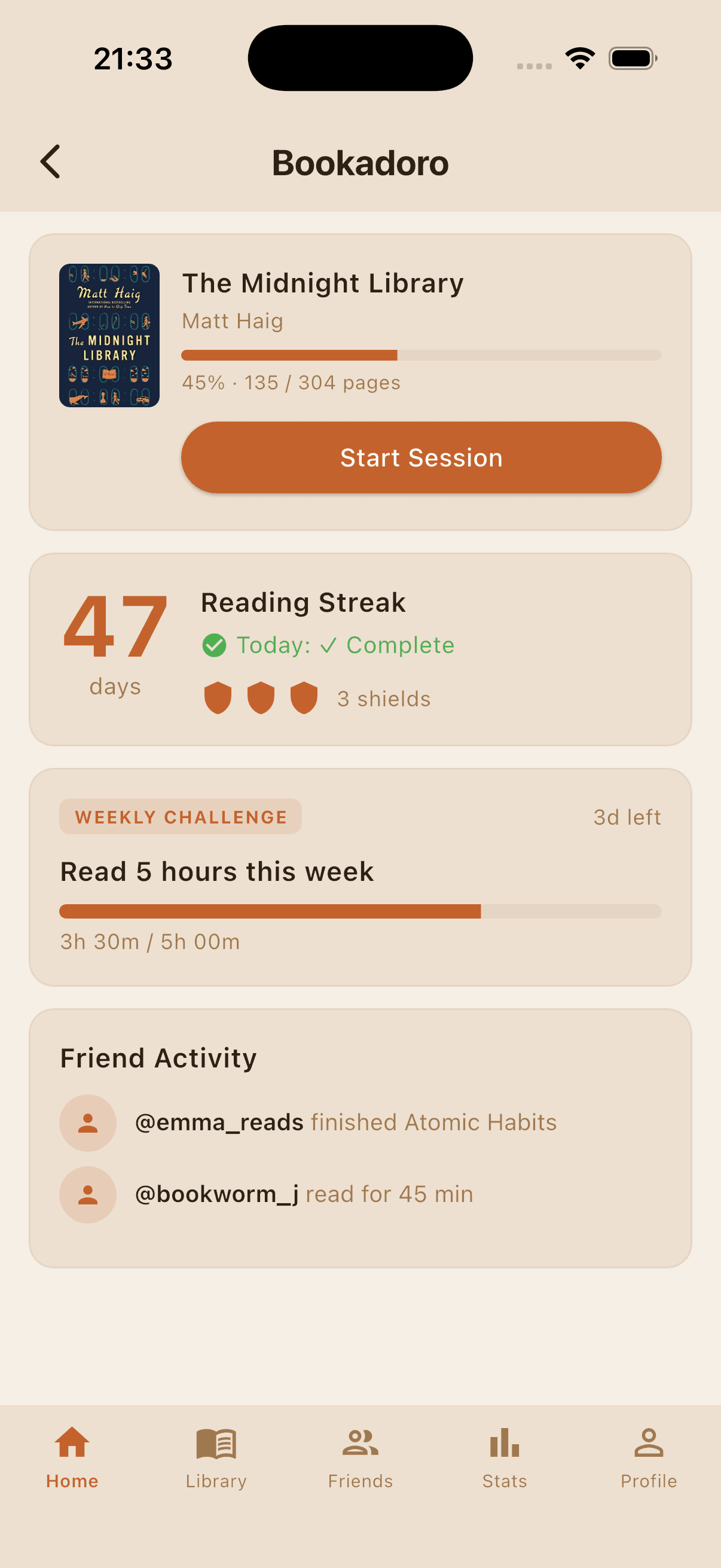
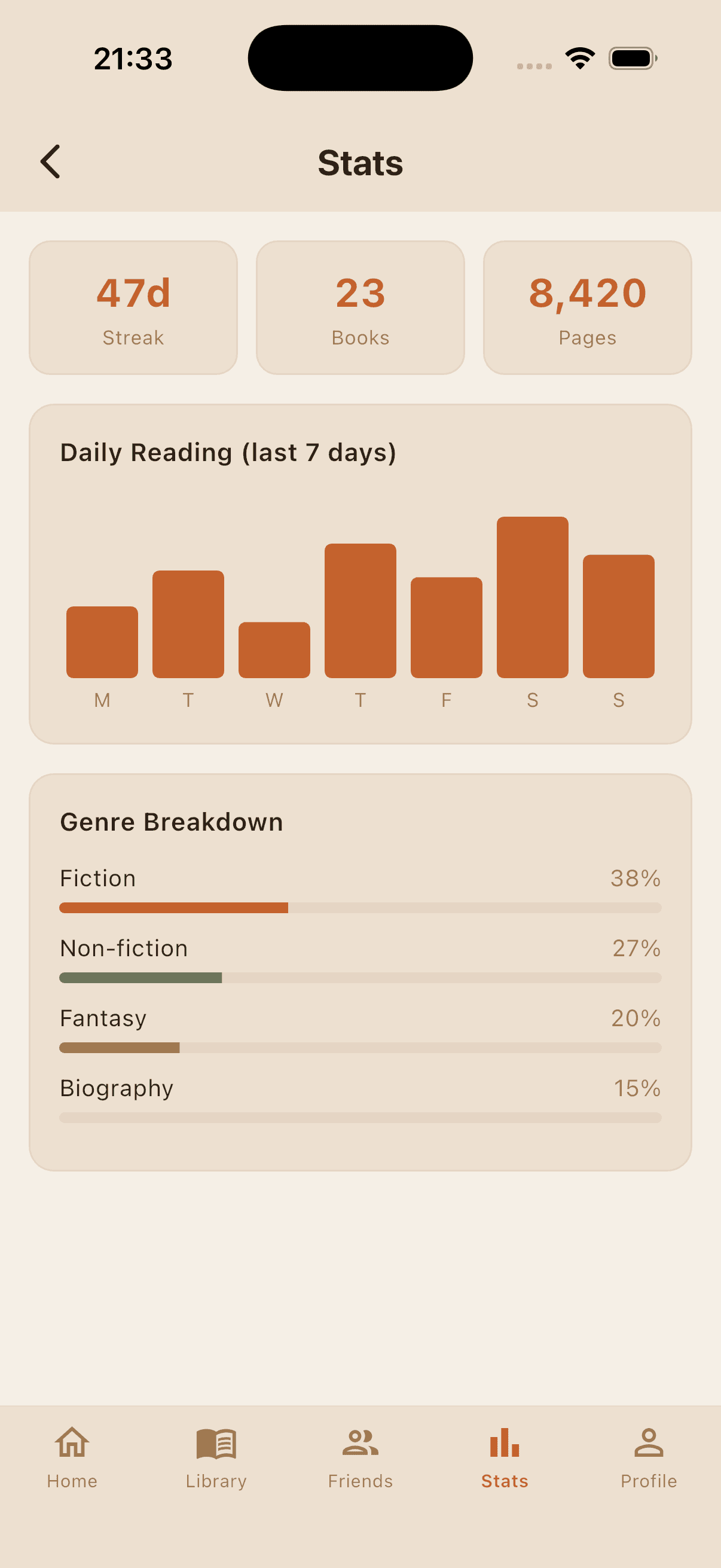
Every builder works standalone — but the graphics get effortless when the books are already logged. The Bookadoro app tracks every book you read with a Pomodoro reading timer, streaks, stats, and reading leagues, so your year-in-books card and monthly calendar practically fill themselves. If you're trying to have more books to rank in the first place, start with our system for reading more.
FAQ
Are the book builders really free?
Yes — all seven are completely free, with no account or sign-up. You can download your graphic as an image or save a share link instantly.
Where do the book covers come from?
Covers and titles come from a live book database — the same sources the Bookadoro app uses — so most books, including new and non-English releases, show their real cover. There is no upload step in any of the builders; our no-upload tier list guide explains how that works.
Can I use the graphics on TikTok, Instagram, or Reddit?
Yes, that's what they're for. Exports are clean PNGs sized to read well on a phone screen, and each one carries a small QR code so viewers can build their own version.
Which builder should I start with?
The tier list if you want conversation, the bookshelf grid if you want something in two minutes, and the bingo card if you want a challenge that lasts all year.
Start your reading club with Bookadoro
Create a club, set your book and pace, and keep everyone reading with shared progress, streaks, and reading leagues.
Download Free